

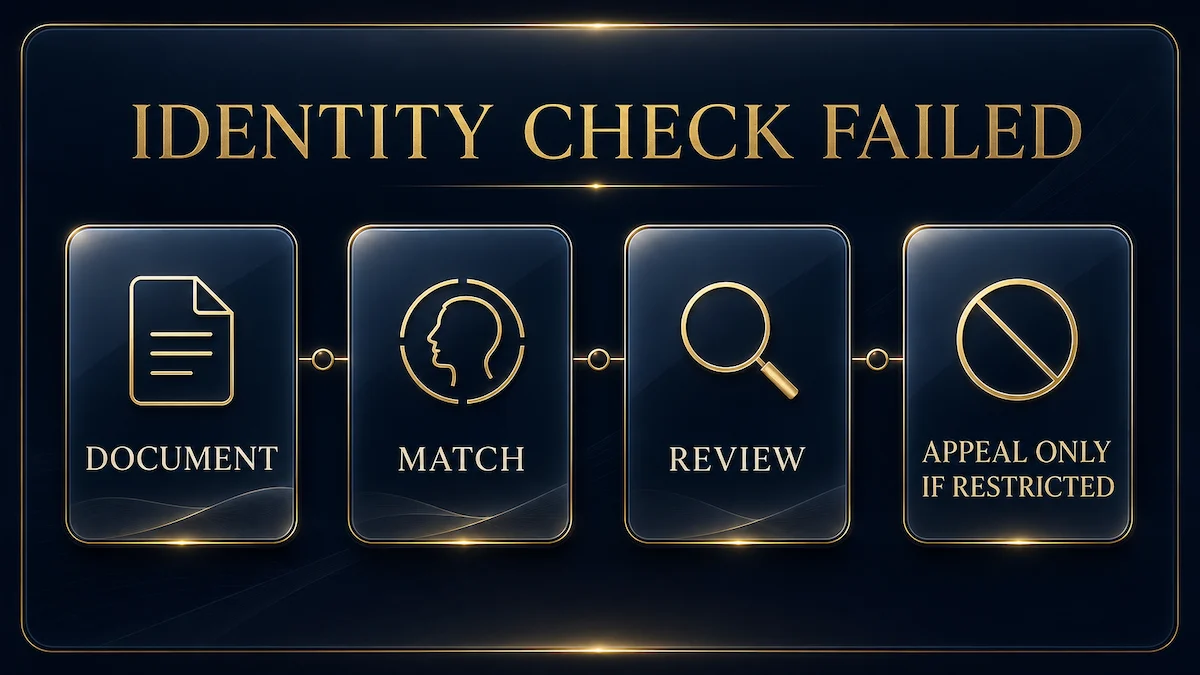
An unsuccessful identity check does not tell you by itself which field or image caused the problem. Start with the exact notice in your account or email. Then check the verified name, profile address, document validity, statement date, and image quality against Upwork’s published requirements before submitting again.
Checked August 14, 2026. This guide covers failed government ID and proof of address verification. It does not cover travel, VPN use, location ownership, or a withdrawal account beneficiary name mismatch. Those are separate account problems with separate owner pages linked below.
First, identify the state shown in your account
Use the wording Upwork shows you, not a general label such as “verification problem.” A request for another document, an account hold, and a suspension are different states. Save the email, take a screenshot of the notice, and record when the seven day verification period began.
| What you see | What it means for this checklist | Next action |
|---|---|---|
| Request to verify identity | The normal government ID and address workflow is open | Use the secure link in Upwork’s email and check every requirement before uploading |
| Additional document or review request | Upwork has not completed the check with the first submission | Provide only what the prompt requests and allow for a review of up to 48 hours |
| Account hold tied to identity verification | The verification action was not completed within Upwork’s seven day window or still needs resolution | Follow the verification prompt shown in the account instead of opening unrelated tickets |
| Suspension banner with self service steps | The account is restricted, but the banner may offer identity verification as the resolution | Complete the banner steps first; appeal only if the banner provides that route or the facts require it |
| Suspended and unable to log in | This is now the suspension route, not a normal upload retry | Reply to the suspension email or use Upwork’s official appeal form |
Upwork says the secure verification link in its email remains active for 30 days. That does not extend the account deadline: the same guidance says verification must be completed within seven days or Upwork will place a hold on the account.
Run the document check before another upload
Upwork’s published process requires the profile picture and ID picture to show the same person, although they do not have to be the same photo. The verified Upwork name must match the name on the ID. The profile address must match the address shown across the ID and statement requirements used for the check.
The accepted photo ID list includes passports, national ID cards, driver’s licenses, and other valid government issued photo IDs that meet Upwork’s criteria. Upwork also lists specified alternatives for refugees and asylum seekers. A passport does not need to show an address, but the address may still need to be established through the proof of address part of the workflow.
| Check | Upwork’s published requirement | What to verify before retrying |
|---|---|---|
| Government ID | Current, valid, government issued photo ID meeting the listed information criteria | Confirm it is not expired and that the required fields are visible |
| Verified name | The verified Upwork name must match the ID name | Compare the full spelling and order shown in the prompt and on the document |
| Profile picture | The profile and ID pictures must both be of you | Make sure the profile photo clearly represents the same person |
| Statement date | The billing or bank statement must be dated within six months of upload | Use a recent statement rather than an older saved copy |
| Statement details | Your name and address, plus the utility company or bank address, must be visible | Open the file at full size and confirm none of those fields are cut off |
| Joint account | A joint statement can be used if your name appears on the account and statement | Confirm your own name is visible, not only the other account holder’s name |
| Address | The statement address must match the location information entered on Upwork | Compare the complete address, including unit, city, and postal details where shown |
Do not guess that a near match will be accepted. If Upwork asks for another document or contacts you for more information, answer that request directly. Do not alter a document to make two records look the same.
Check the image, not just the document
A valid ID can still be unusable if the submitted image does not meet the published capture rules. Upwork says not to edit the image in any way. The front must be clear, and the back must also be included when the expiration date appears there. All four corners must be visible.
Upwork asks for color images at least 200 dpi in PNG, JPEG, PDF, or BMP format. Its photo tips say to place the document on a flat surface, take the photo from above, avoid flash, leave margins on every side, and avoid covering any part of the document.
| Visible problem | Why it conflicts with the guidance | Safer correction |
|---|---|---|
| A corner is cropped | Upwork requires all four corners to be visible | Move the camera farther away and leave margins around the document |
| Flash glare covers text | The required information is not clearly visible | Turn off flash and use even ambient light |
| Part of the card is covered | Upwork says not to cover any part of the ID or statement | Place it flat and keep fingers outside the frame |
| The file was enhanced or edited | Upwork says not to edit the image in any way | Capture a new unedited image |
| Only the front is included | The back is required when it contains the expiration date | Add a clear image of the back when the prompt requires it |
| The file is grayscale or low resolution | Upwork asks for color and at least 200 dpi | Make a new color capture at sufficient resolution |
A careful retry sequence
- Preserve the notice. Save the full email and screenshot the account message, including the date and any case or reference number.
- Use the official route. Open the secure link from Upwork’s email or the verification action in the account. Do not send identity documents to a client or to an address found in a forum post.
- Compare the verified name. Check it against the government ID exactly as the verification prompt presents it.
- Compare the address records. Check the profile information, ID where applicable, and recent statement without editing any file.
- Recapture the files. Use color, sufficient resolution, a flat surface, no flash, full corners, and the back of the ID when required.
- Submit only the requested material. Additional unrelated files can make the record harder to understand and may expose data Upwork did not ask for.
- Allow the stated review period. Upwork says most checks complete within minutes, but document review, a live video call, or phone verification can extend the process to as long as 48 hours.
If the prompt remains unchanged after the stated review period, preserve the latest status and contact Upwork through the route attached to the verification or account notice. State what you submitted, when you submitted it, and what the account currently shows. Do not include a password or one time code.
When the problem becomes an account hold or suspension
Upwork’s suspension guidance says a logged in user should read the suspension banner, follow its prompts, and use self service steps when offered. Identity verification can be one of those steps. If an appeal is needed, the banner can provide the route.
If you cannot log in, Upwork says to reply to the suspension email, which it describes as the fastest route, or submit the official appeal form. The form is only available to suspended accounts. Upwork says most appeals are reviewed within two business days and warns that multiple tickets create duplicate cases and slow the process.
An appeal is not a substitute for a missing document. Upwork says an appeal is more likely to succeed when it shows that the suspension decision was a mistake or presents new, relevant information that materially changes the facts. A disagreement without new evidence or context is unlikely to succeed.
Do not open a replacement account. Upwork’s suspension guidance says opening a new account after a suspension is not allowed. Keep the evidence and work through the route attached to the existing account.
Keep nearby problems in their own lane
This page owns a failed government ID or proof of address check. It does not own every mismatch that can appear around an Upwork account.
- Travel, VPN, or location questions: use the Upwork travel, location, and VPN guide. This article does not decide which country should own your profile or how network location affects a check.
- Withdrawal method name mismatch: use the Upwork beneficiary name mismatch guide. That problem compares the withdrawal account holder with Upwork’s verified name and is not an identity upload failure.
Keeping those boundaries separate matters. Changing location settings will not repair a cropped ID image, and repeatedly adding a bank account will not complete government ID verification.
What Upwork says about repeat checks and personal data
Upwork says freelancers may be asked to verify again even after a previous successful check because it performs periodic checks to keep account information accurate. A new request is therefore not proof that the earlier verification failed or that the account did something wrong.
Upwork says it does not sell the identity verification information submitted through this process. It also says ID documentation is encrypted and securely processed, with processing and retention governed by Upwork’s Privacy Policy. Submit through the official encrypted workflow rather than ordinary messages.
Message template for a verification case
Keep the message factual and easy to match to the account record:
Hello Upwork Support. My account shows “[exact notice].” I submitted [document type] through the verification link on [date and time, including time zone]. The current status is [status]. I checked that the document is valid, the required details and all four corners are visible, and the profile information matches the records I submitted. Please tell me whether a specific document, image, or account field needs correction. My existing case or reference number is [number].
Do not attach an ID to that message unless the secure Upwork prompt specifically requests it. The purpose of the note is to create a clear timeline and ask for the missing requirement, not to bypass the protected upload process.
Official sources
- Upwork: How to verify your identity with a government ID and proof of address, checked August 14, 2026.
- Upwork: How to appeal an account suspension, checked August 14, 2026.
Reader discussion
0 approved comments
Share a specific question, correction, or first-hand workflow detail. Do not include private financial or identity information.